 hotel lobby
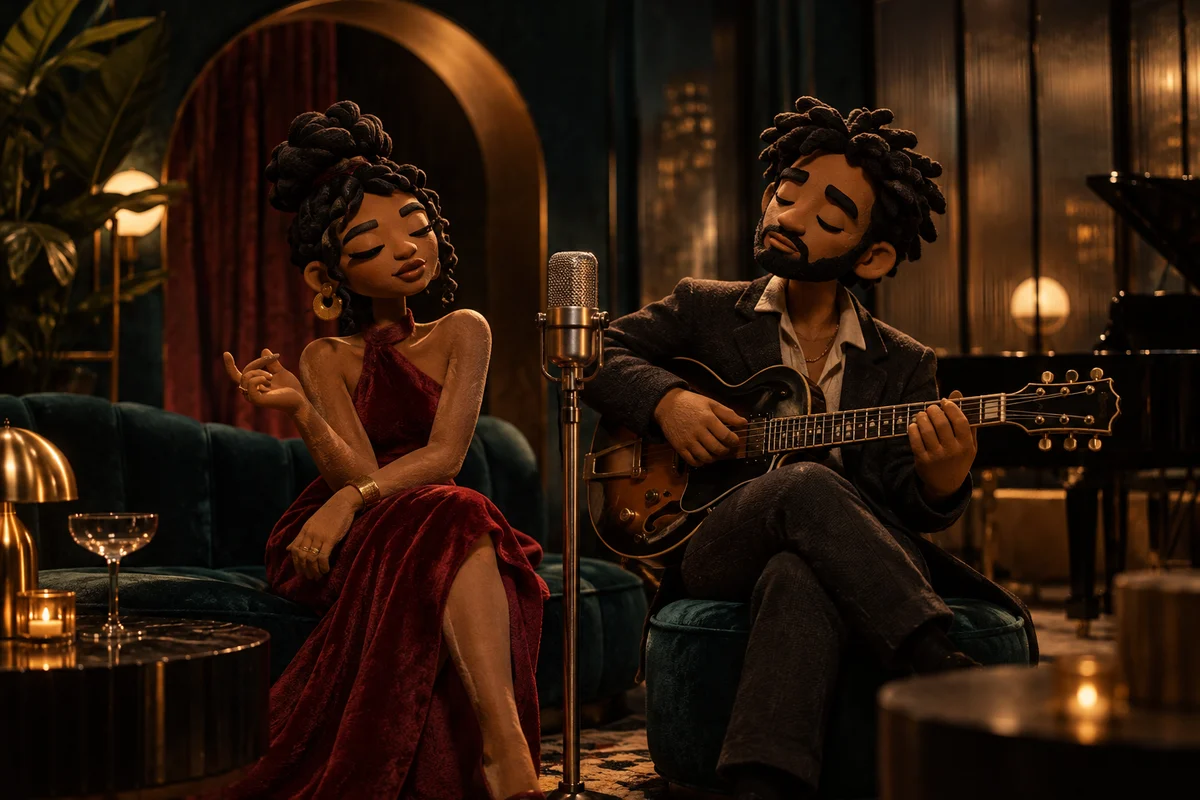
Midnight lounge
Warm light and relaxed gestures for you and a friend in a darker booth.
Create a Hotel Lobby AI video from two photos. Choose your model, quality and format, then bring your duo into one shared scene.
Two reference images guide a new scene. Likeness and movement can vary. Live video is silent.
These 13-second reference clips illustrate the idea, not a preview made from your uploads. Your generated MP4 is 5 or 10 seconds and silent; likeness and motion can vary.
Add authorized audio separately. Exact likeness, choreography and lip-sync are not guaranteed.
Two portraits. One shared moment.
Sign in to a verified account before uploading portraits or creating a take.
0 saved
Sign in to return to your saved takes.
Picture a late-night lounge or a cool silver booth. Create with a friend, a partner or your own characters, then describe the mood in your direction. These illustrations explore possibilities; your generated result will vary.
Warm light and relaxed gestures for you and a friend in a darker booth.
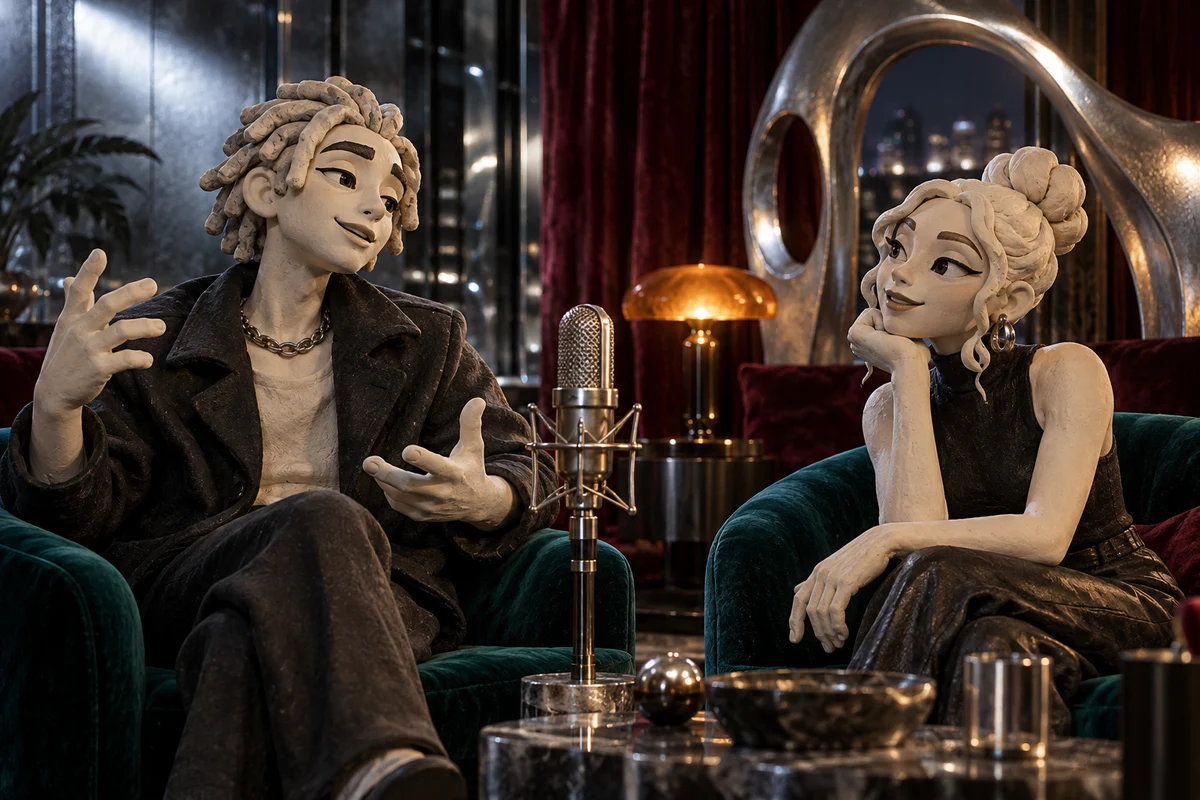
A cooler palette for two original characters or a duo portrait brought to life.
You bring the faces and the idea. The studio brings them into a short scene, with the format and cost in your hands.
Bring your two photosUpload one clear, authorized portrait for each person or original character. Two separate photos become the references for one shared scene.
JPEG, PNG, WebP or iPhone HEIC / HEIF
Choose Seedance 2.0 Mini or Seedance 2.5, set your length and frame, then describe the mood or movement. Review the credit cost before you create.
5 or 10 seconds · 480p or 720p · Three frame shapes
Follow your video’s progress in the studio. Once it is saved, preview the result and download your silent MP4. Add your own authorized audio in an editor.
Private saved takes · MP4 download
$4.99 buys 300 credits: up to 3 five-second Seedance 2.0 Mini videos at 100 credits each. One-time packs fund your videos. Your model, quality and length determine the credit cost.
Explore credits & pricingIf a video’s status is still being checked, its credits stay set aside until the outcome is confirmed.
A few things to know before you bring your duo to the booth.
Create your duo videoHotel Lobby AI is an independent video generator that brings two people or original characters into one shared scene. Upload one authorized portrait for each, choose your model and format, and describe the moment. It is not an official artist or music-show tool.
Use one clear person or original character per photo, with visible features and even lighting. Avoid group shots, heavy blur and covered faces. JPEG, PNG, WebP and iPhone HEIC/HEIF are supported. Each source can be up to 25 MiB, 16 megapixels and 8192 pixels per side. Export a smaller copy of larger originals, and only upload photos you have permission to use.
The studio offers Seedance 2.0 Mini and Seedance 2.5, with 5- or 10-second videos in 480p or 720p. Choose 9:16 portrait, 16:9 landscape or 1:1 square framing. Available options and the credit cost are shown before you submit.
The two portraits guide appearance, but facial details, clothing, left/right positions and gestures can change. Clear references and a simple direction help describe what you want. The reference clips illustrate the idea rather than a preview made from your uploads. Exact face replacement, copied choreography and accurate lip-sync are not guaranteed.
Generated videos are silent. No song or music license is included. If you add audio in an editor or social app, use audio you have permission to use and check the destination platform’s rules.
$4.99 buys 300 credits: up to 3 five-second Seedance 2.0 Mini videos at 100 credits each. Model, quality and length determine the credits used. Review the quote before creating; buying credits does not guarantee a particular result.
Credits are set aside when you submit and used after the completed video is saved. A confirmed generation failure returns those credits to your available balance. If a task takes longer or its status is uncertain, the credits stay set aside while the result is checked. Checking for a saved result does not start another video. Returned credits are not an automatic cash refund.
Uploads and saved videos are private to your account. Creating your video sends the reference images to the video provider. Preview and download your completed MP4 from saved takes. See the privacy information for storage details.